topdf — Shopify Store URL to Print-Ready Catalog PDF
Paste a store address, get a branded catalog PDF back. Products, prices, photos and currency are read from Shopify's public JSON; a spreadsheet-plus-template path covers everyone else. Free, no sign-up, nothing retained.
Overview
In plain terms: paste your store’s web address and a branded catalog PDF comes back. Nothing to fill in, nothing to install, nothing kept afterwards.
It started as a tool for one client who pays a person to rebuild the same catalog by hand every week. That version asked for two files a stranger doesn’t have — a product list in five specific columns, and a template PDF with empty boxes drawn on it. Two jobs of work before the tool did any of its own, which is why nobody outside that one client could use it.
The Shopify path removes both.
Use it — free, no sign-up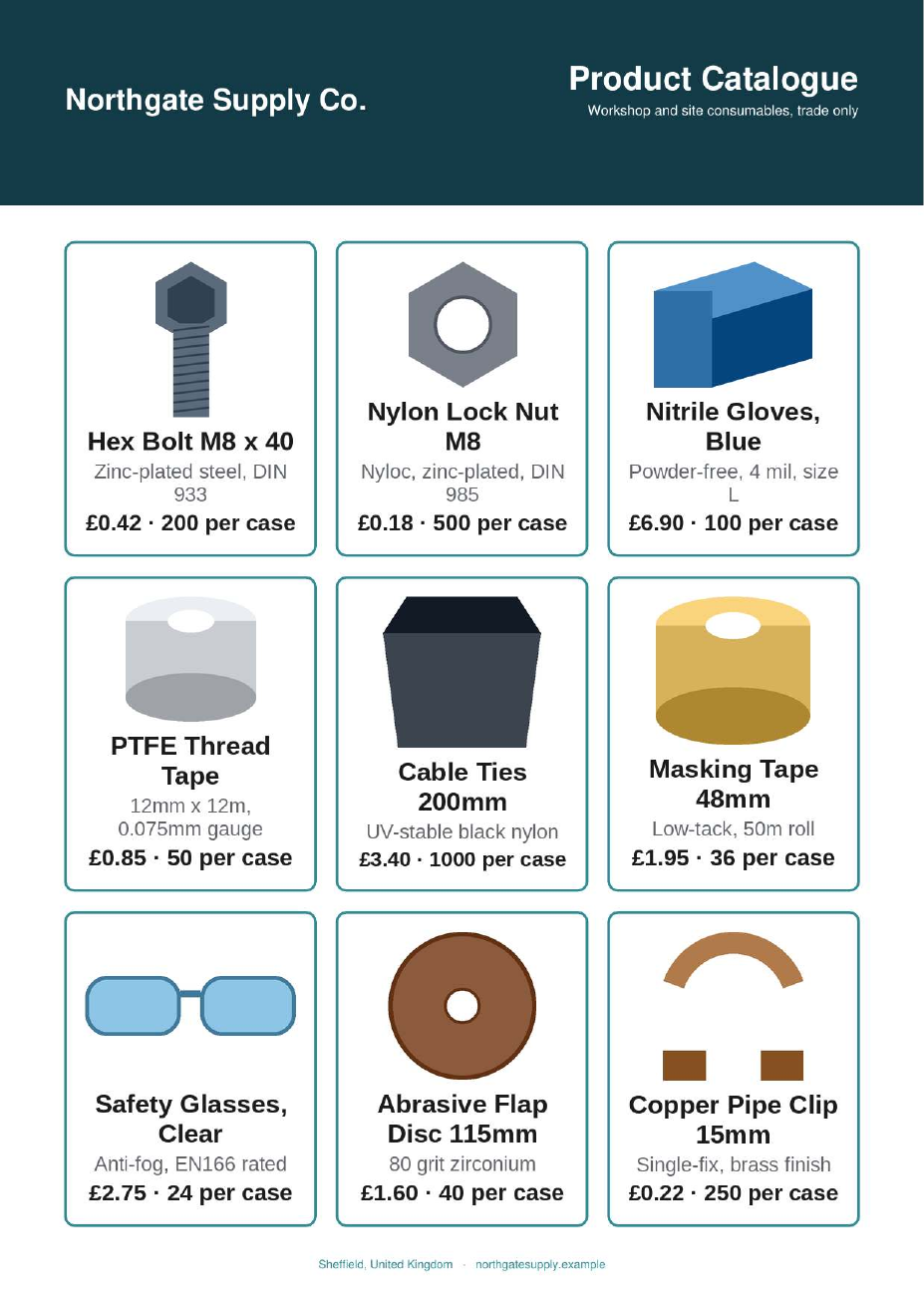
The pipeline is deterministic
Everything on the page comes from the store’s own public JSON. /meta.json gives the shop name, city, country and money format. /products.json gives titles, descriptions, images and variant prices. No model touches the product data, the prices, or the copy — the description is the store’s own first sentence, clipped on a word boundary, which keeps the shop’s voice and costs nothing.
Junk line items — gift cards, “Free Returns Coverage” — are filtered on requires_shipping, not on a blocklist of names that the next store would defeat.
Exactly one step calls a model, because exactly one step resisted rules: deciding which of a dozen homepage images is the brand’s own logo. That’s a judgement call, and the rules were measured failing on it. One store’s page has four images tagged “logo” and three are press badges. Another’s first match is a certification mark. Each is fixable with one more rule, and the next store breaks the next rule.
So the shortlist goes to Haiku — one call, roughly 800 tokens, a fraction of a cent — and nothing else does. It’s off by default and the tool still returns a finished catalog in a neutral palette without it. A quality knob that can be measured, not a dependency sitting in the middle of the pipeline.
And the model picks the image, not the colour. Asked for both, it named a near-black for a brand whose red was sitting in the logo it had just correctly identified. So the palette is quantized off the chosen logo’s own pixels, and the model’s colours are only the fallback for a monochrome mark. Judgement is what a model is for; measuring a colour is not.
Not on Shopify?
The original path is still there: a spreadsheet plus a template PDF with empty boxes on it.
The interesting part is that the tool measures your template rather than assuming it. The client version knows where its boxes are. This one has to find them on a stranger’s page — it builds an ink mask, keeps only ink that’s thin, takes rows and columns holding a long unbroken run of it, treats each adjacent pair as a candidate rectangle, and keeps the ones whose four edges are inked and whose middle is still blank.
Two parts of that are load-bearing, and each was found by a template that failed:
- The thinness filter. Without it, a solid header band makes every column beneath it look like a vertical rule, and detection returns nothing at all.
- The blank-middle test. Edge ink alone can’t tell a box from a banner. This is what stops products being printed over a section header or a dark footer strip.
Pagination needs no setting: template pages are used in order, and the last page that has boxes repeats until the products run out. A cover plus a repeating inner page just works.
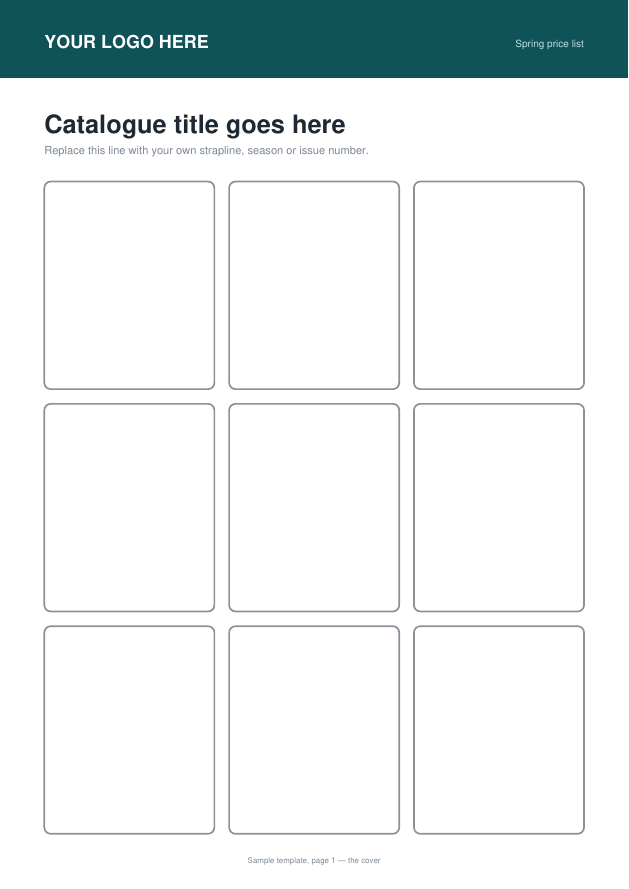
Downloadable Excel and PDF templates ship with the guide, along with pictures of both and a plain-language error table. Every sample is generated by the exporter’s own grid constants and verified by running the page classifier over it, so a broken template can’t ship in the documentation.
Nothing is retained
Each upload gets its own directory. The finished PDF is read into memory and the directory is deleted in the same request’s finally block, with an hourly sweep as a backstop.
That promise is also why the tool is still synchronous. A job queue would mean holding finished PDFs on disk, and “nothing is retained” is a claim the page makes.
Hardening, because strangers use it
A pasted store URL is the most direct SSRF handle a web app can offer, and the spreadsheet’s image-URL column is the second. Both go through the same resolve-then-connect guard, which also covers the Tailscale range that ipaddress.is_private misses — and the guard never explains itself to the caller.
Measured, not estimated: 999 products build in 135 seconds inside 168MB on a 2GB box. The public cap is 250, and the build enforces its own 240-second ceiling, so a slow store fails with a sentence rather than a dropped connection.
Why it’s public
One client pays a human to do this every week. That’s a real, observed, repeating payment — the strongest signal in the workspace, and a sample of one.
Making it public costs nothing to run and answers the question a sample of one can’t: does anyone else actually want this, or is that client’s situation unique? The honest read today is that it’s still untested. Being indexable isn’t the same as being found.
Try it on your store