Excel Automation using Google Distance API
Automated, real-time distance and travel-time calculation in Excel using Google Distance Matrix API and VBA.
Overview
This project automates distance and travel-time calculations inside Excel using the Google Distance Matrix API.
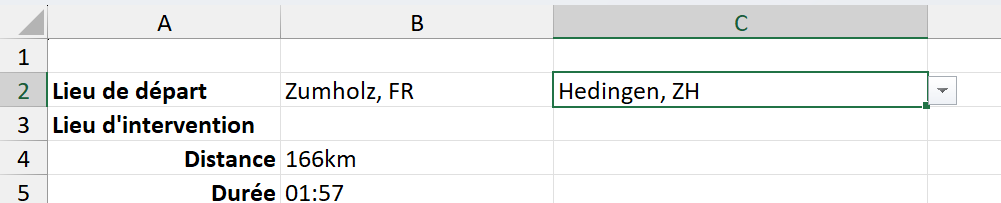
Instead of manually checking routes on Google Maps, users can enter source and destination addresses directly in Excel, and the sheet automatically fetches distance and duration using VBA. All selectable addresses are stored in a master sheet, and user can select them via dropdowns to calculate distance and driving duration between. By default, duration is for driving under no-traffic(optimistic) model. User can be giving options to change driving mode to “driving, biking, walking or public transport”, and traffic mode as “worst case, avg case, optimistic”.
Demo (Video)
Excel Interface
The Excel sheet allows users to input addresses via dropdowns and instantly get results.
VBA Automation Logic
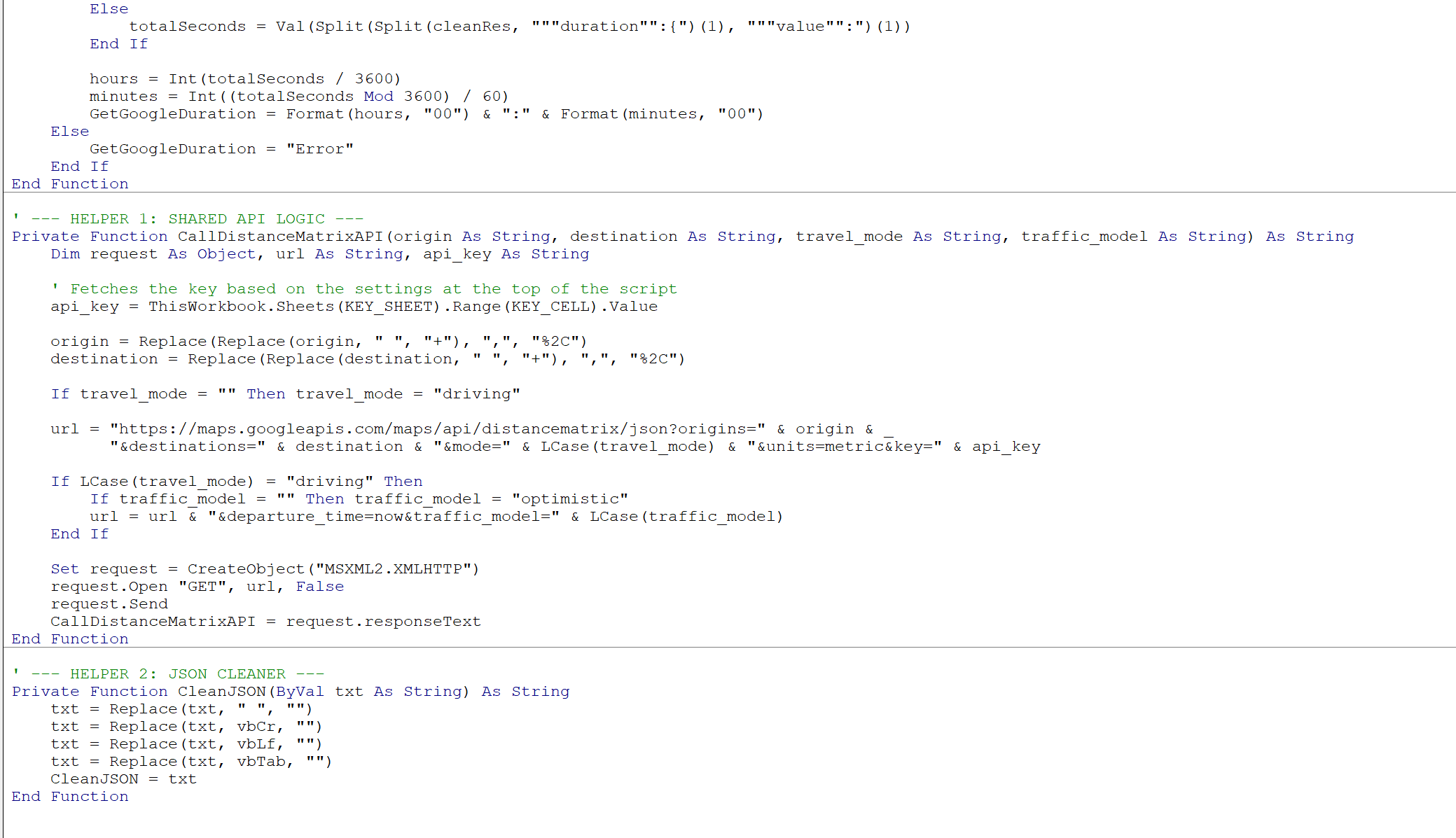
The VBA script:
- Builds the API request URL with the source and destination address selected by the user
- Sends HTTP requests to Google Distance Matrix API
- Parses the JSON response
- Writes distance and duration back to Excel cells in realtime
Tech Stack
- Excel with address master-sheet + dropdowns for easy user interface
- VBA with HTTP requests and JSON parsing
- Google Distance Matrix API with driving mode and traffic defaults
Key Learnings
- Handling external APIs from Excel using VBA
- Parsing JSON responses without native JSON support
- Managing API limits and error handling
- Better user interface by linking dropdown to address master sheet, user can type and select an address